Language, themes and accessibility
Language and timezone
The app includes Simplified Chinese, Traditional Chinese, English, Japanese, Korean, Spanish, French, German, Brazilian Portuguese and Russian. Save a language in Settings to update labels, accessible names and locale formatting immediately. Timezone and week start remain separate settings. Exported ISO dates, exact values and stable column names are not rewritten into locale-dependent formats.
The documentation has English and Simplified Chinese editions. The root defaults to English, with initial browser-language selection and a persistent manual language choice. Direct links keep their specified language; use the language menu for the corresponding page.
Themes and keyboard use
Choose system, light or dark theme in the app or documentation. A stored explicit theme takes precedence over the system color scheme. Unknown values and status messages use text as well as color.
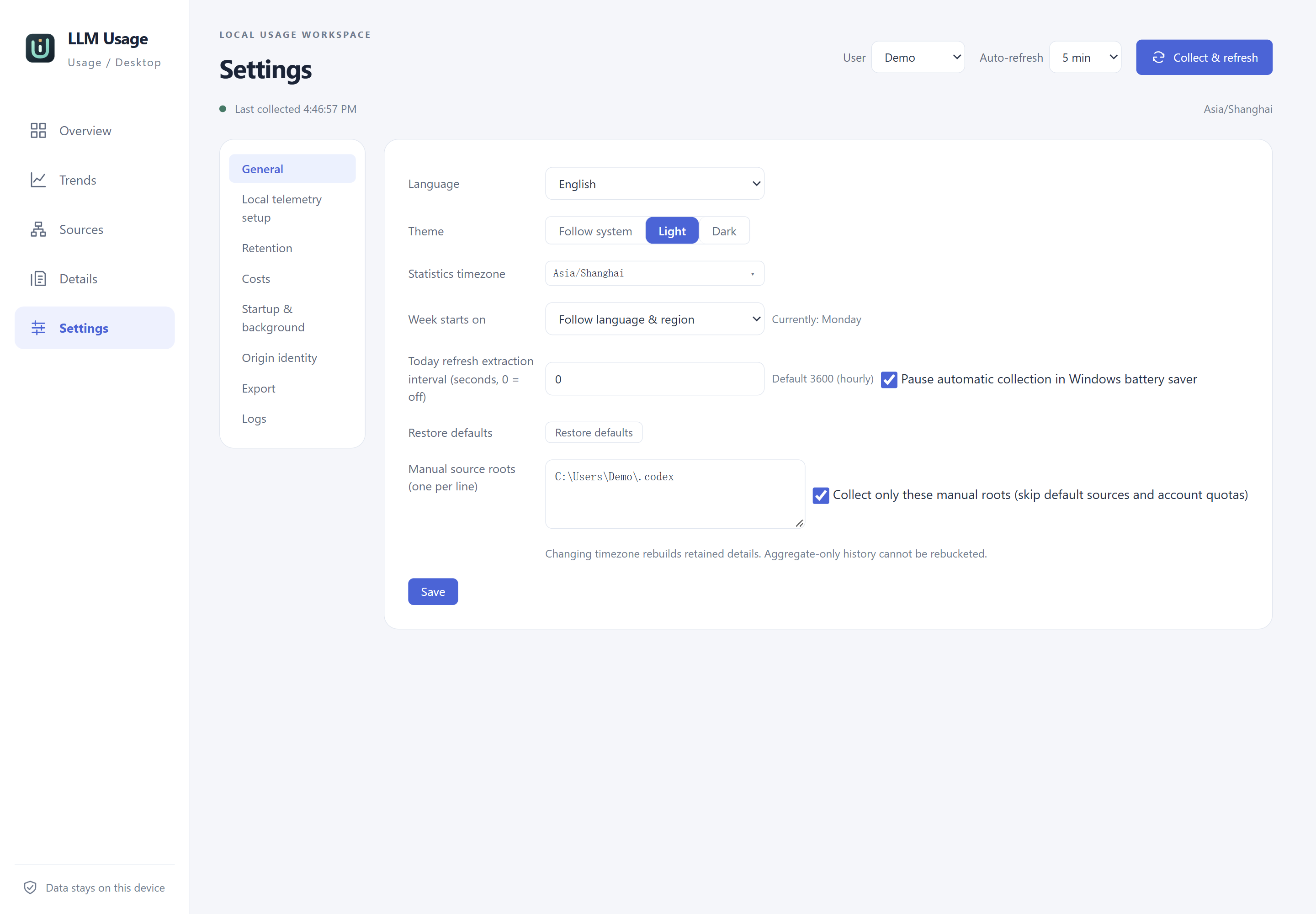
Actual English application Settings with isolated synthetic data and anonymized Demo paths.
Use Tab to reach controls and Enter/Space to activate appropriate buttons. Charts expose table views and keyboard selection controls; arrows, Shift, Home, End and Enter follow the documented selection behavior. Documentation provides a skip link, searchable local content and a page table of contents. At narrow widths, open the navigation menu rather than relying on a permanently visible sidebar.
Verified boundaries
Browser zoom, OS DPI, DOM accessible names, real screen-reader focus and actual speech are separate checks. The recorded Linux Orca acceptance covers native navigation for ten languages and five pages in its isolated environment; it does not verify pronunciation, hardware audibility, every control or Windows screen readers. See Orca test record and localization requirements.