
Token and quota statistics
Input, output and cache usage are kept separate. Missing values remain unknown, and subscription quotas are shown independently of tokens.

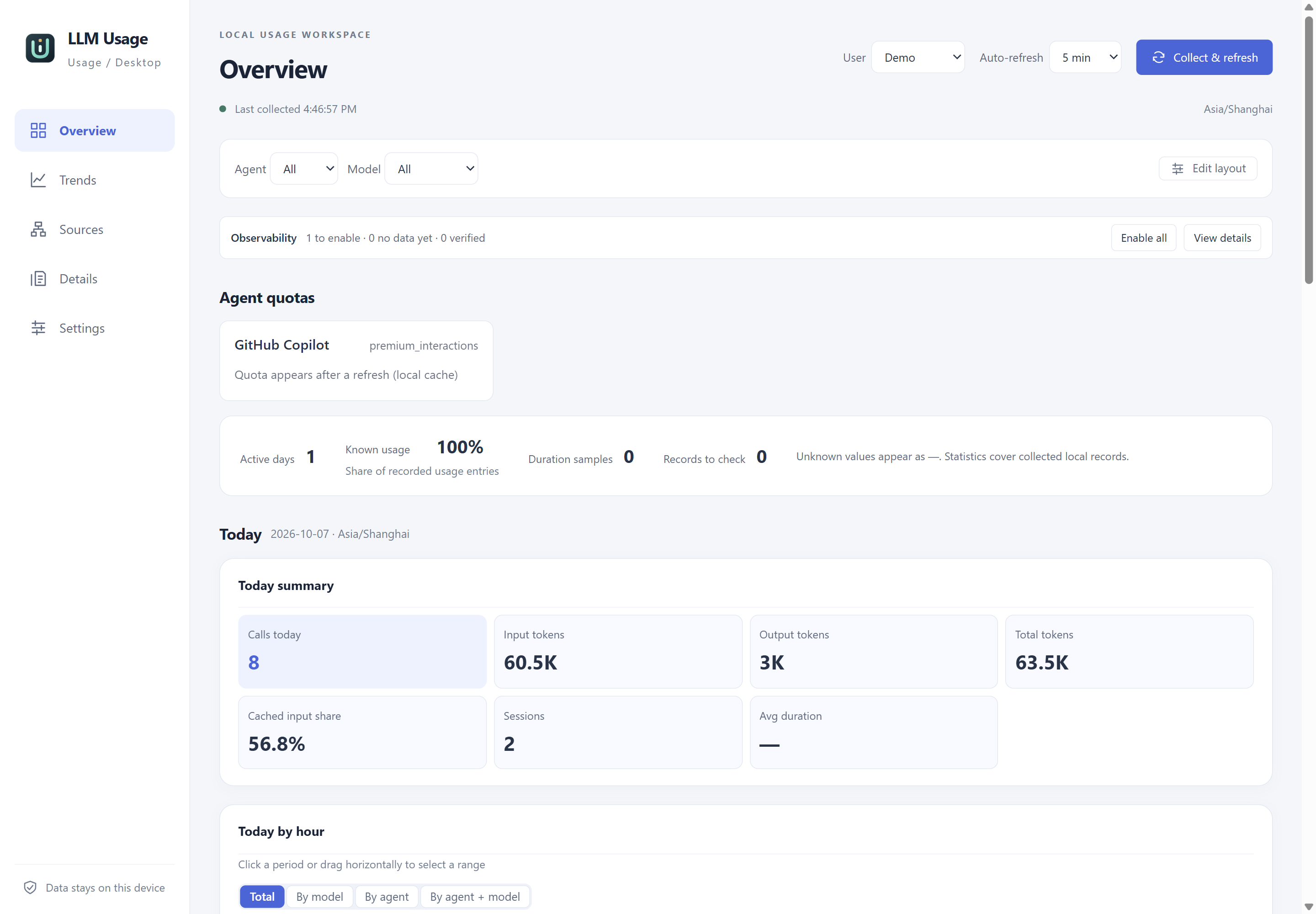
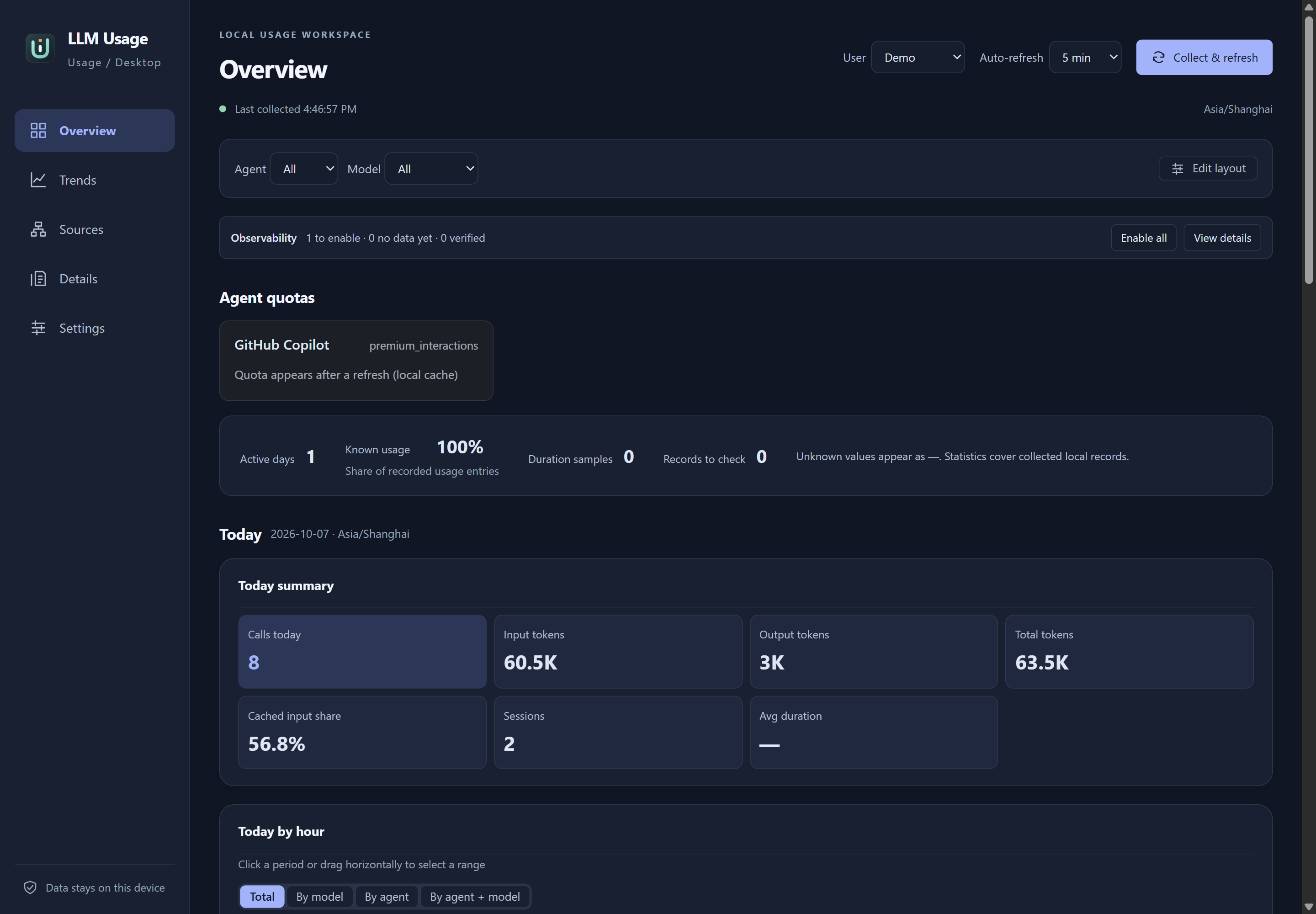
Overview in version 0.2.1. Actual Windows desktop UI with isolated synthetic demo data.
Select the image to view it at full size.Screenshots use English application labels and follow this site’s theme. See screenshot privacy for capture details.
Token and quota statistics
Input, output and cache usage are kept separate. Missing values remain unknown, and subscription quotas are shown independently of tokens.
Privacy
Usage records stay on your computer. Collection reads agent files and explicitly enabled telemetry; prompts and responses are excluded from the dashboard.
Collection status
Collection status explains versions, incomplete fields and parsing failures. A supported parser does not imply that every client records every request.
Portable packages
Choose a Windows, Linux or macOS package for x64 or arm64, extract the archive and open the application. See the installation guide for system requirements.
Select a time range, agent and model to compare recorded calls, token usage and cache-read share. Charts support interval selections; totals and model rows follow the selected interval. See the dashboard guide.
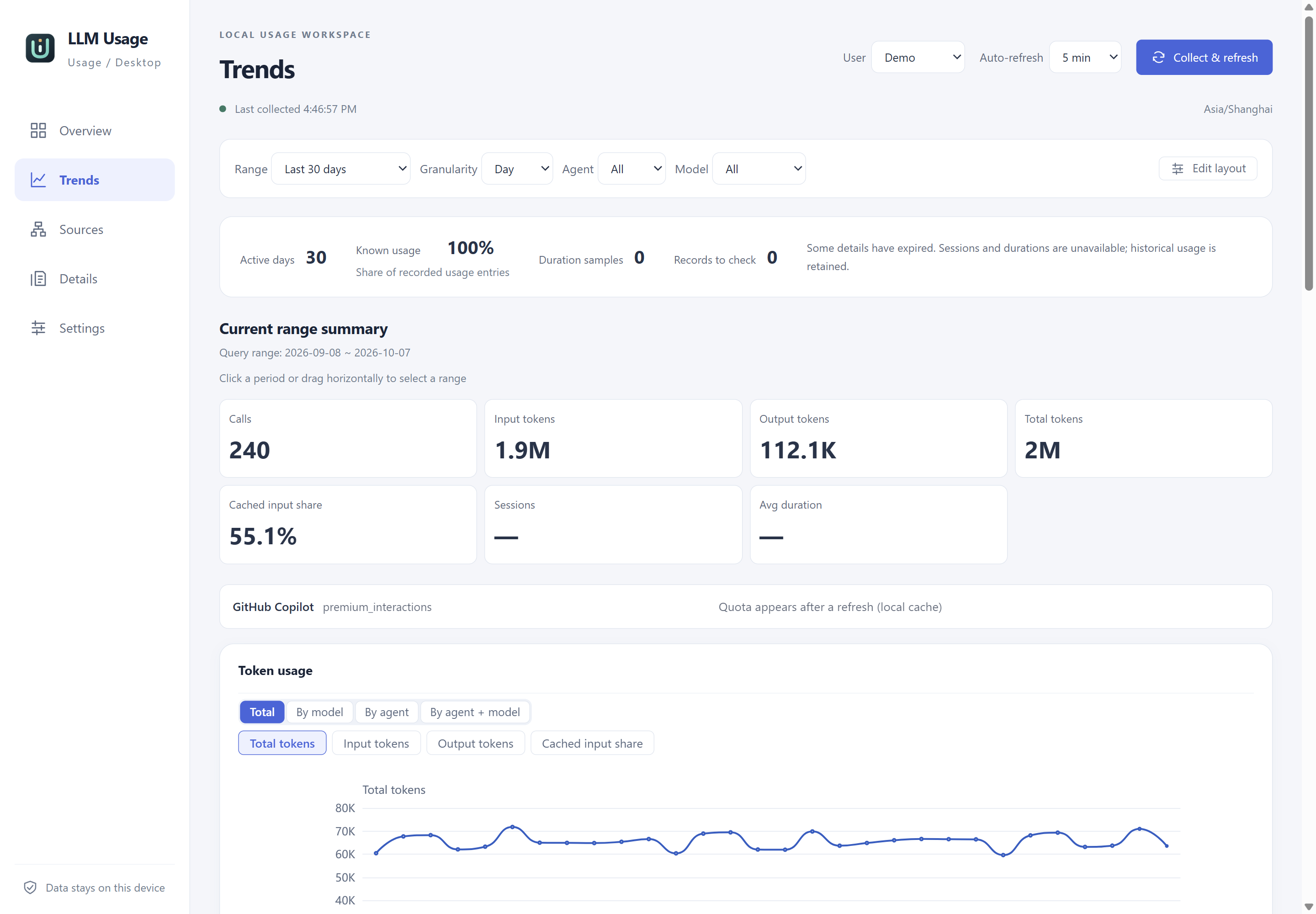
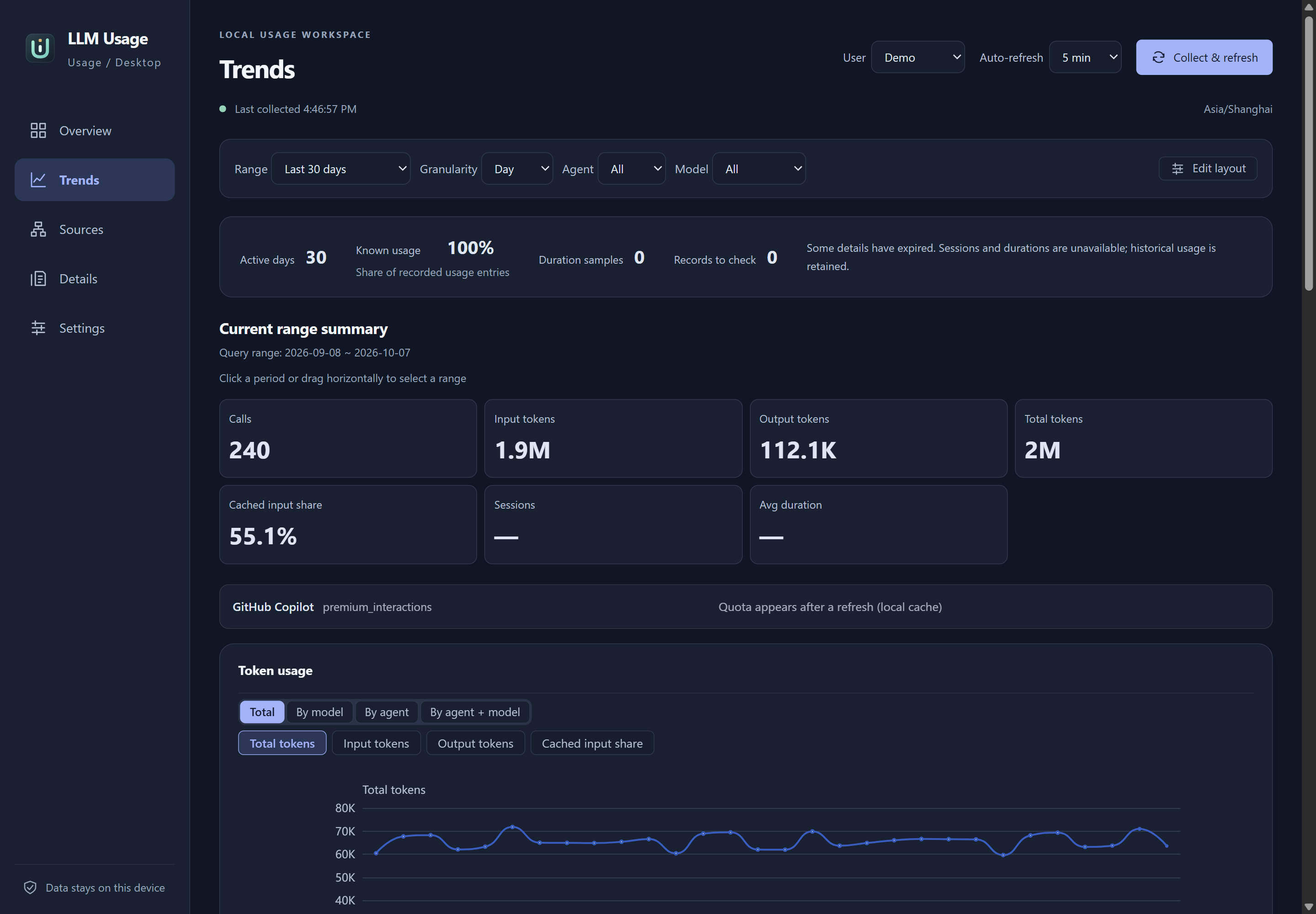
Trends with 240 synthetic calls over 30 days. Unknown session and duration values remain —.
Select the image to view it at full size.Inspect the time, agent, model, input, cache-read and output fields of individual normalized records. Filter the table by time range, agent and model. Prompts, responses and tool output are excluded. Read record fields.
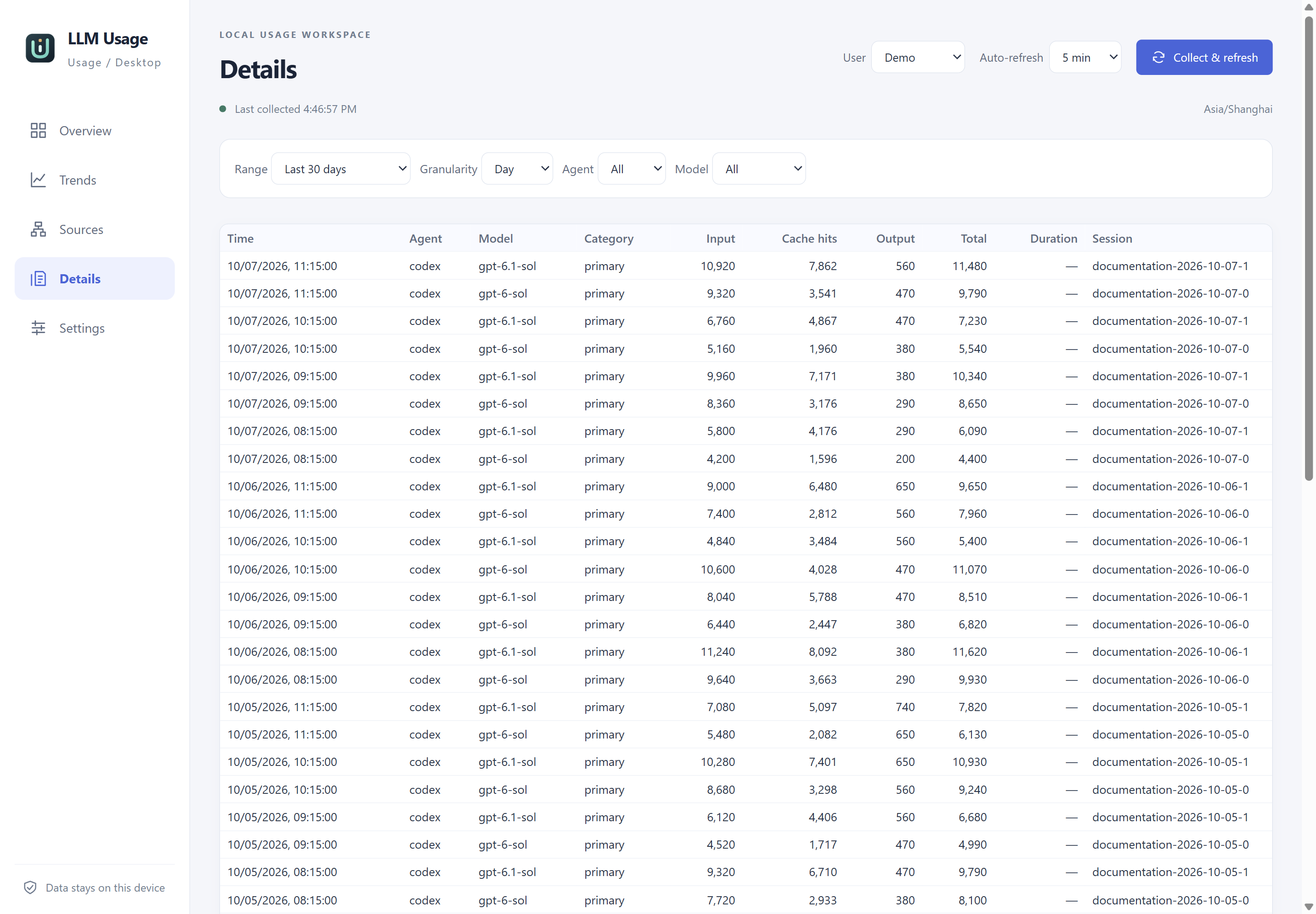
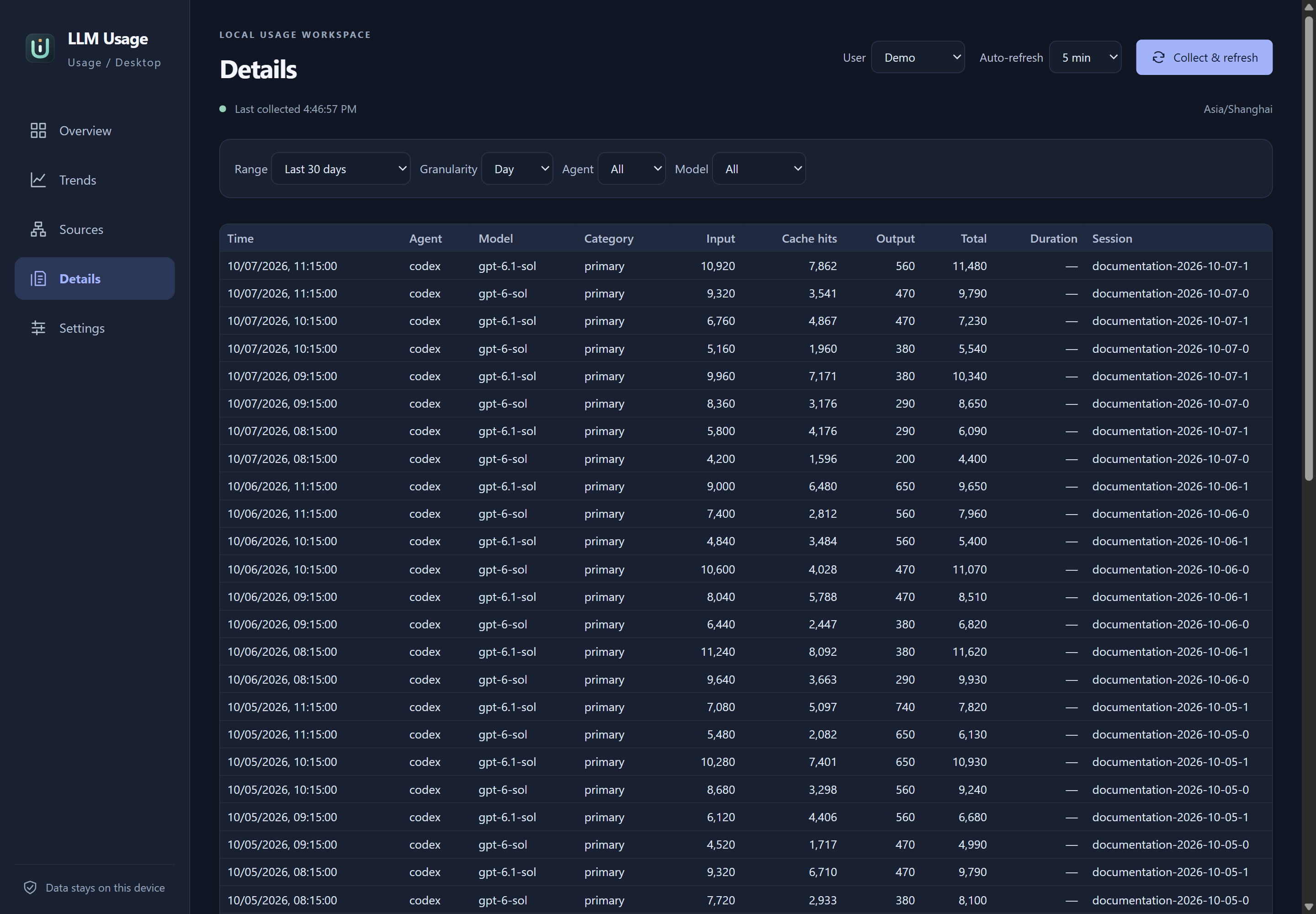
Details for synthetic Codex records. The source did not report duration values.
Select the image to view it at full size.Enable sources, assign their user and choose their collection schedule. Source status and the last successful collection help identify which files need attention. See source management and client support for verified formats.
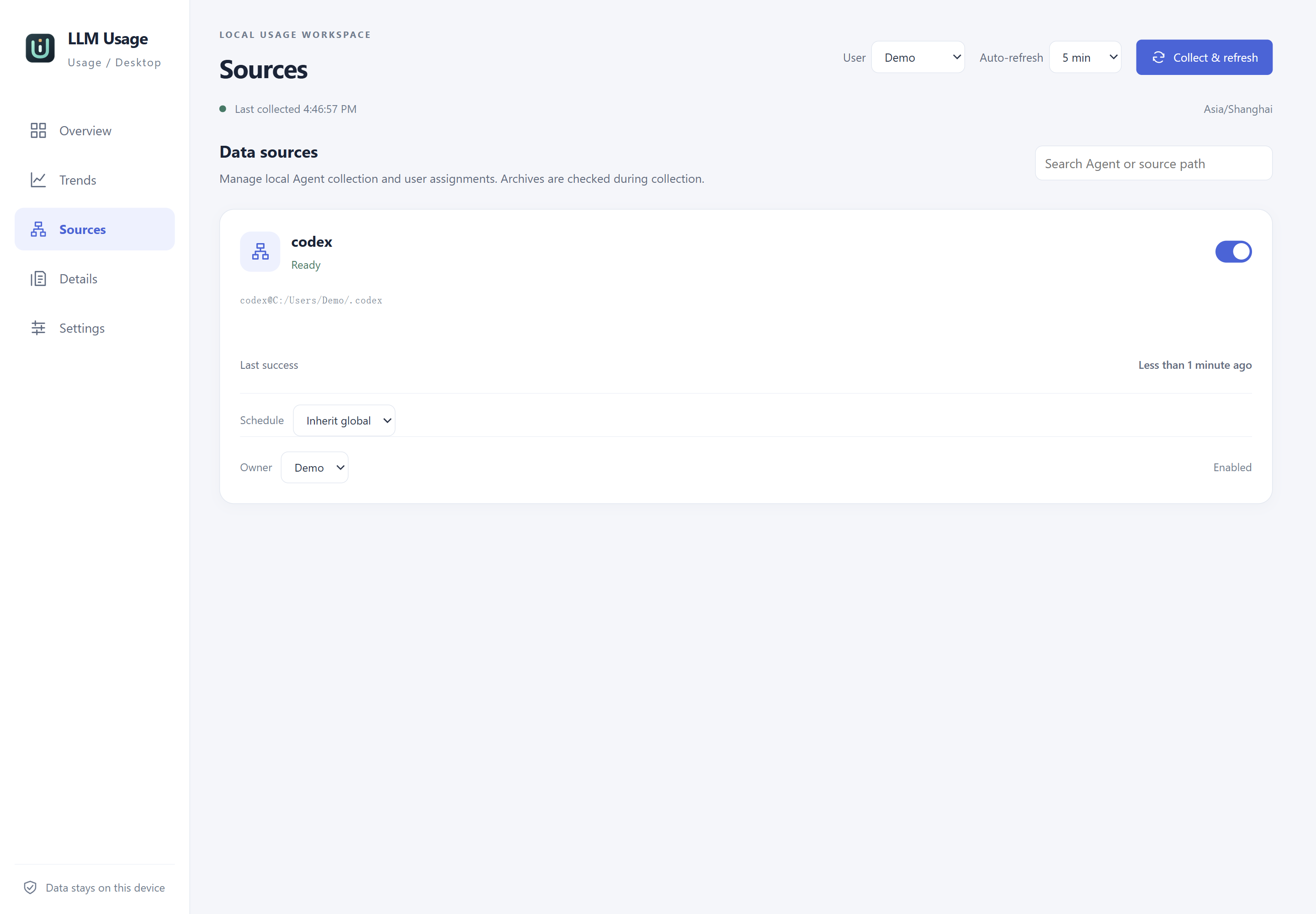
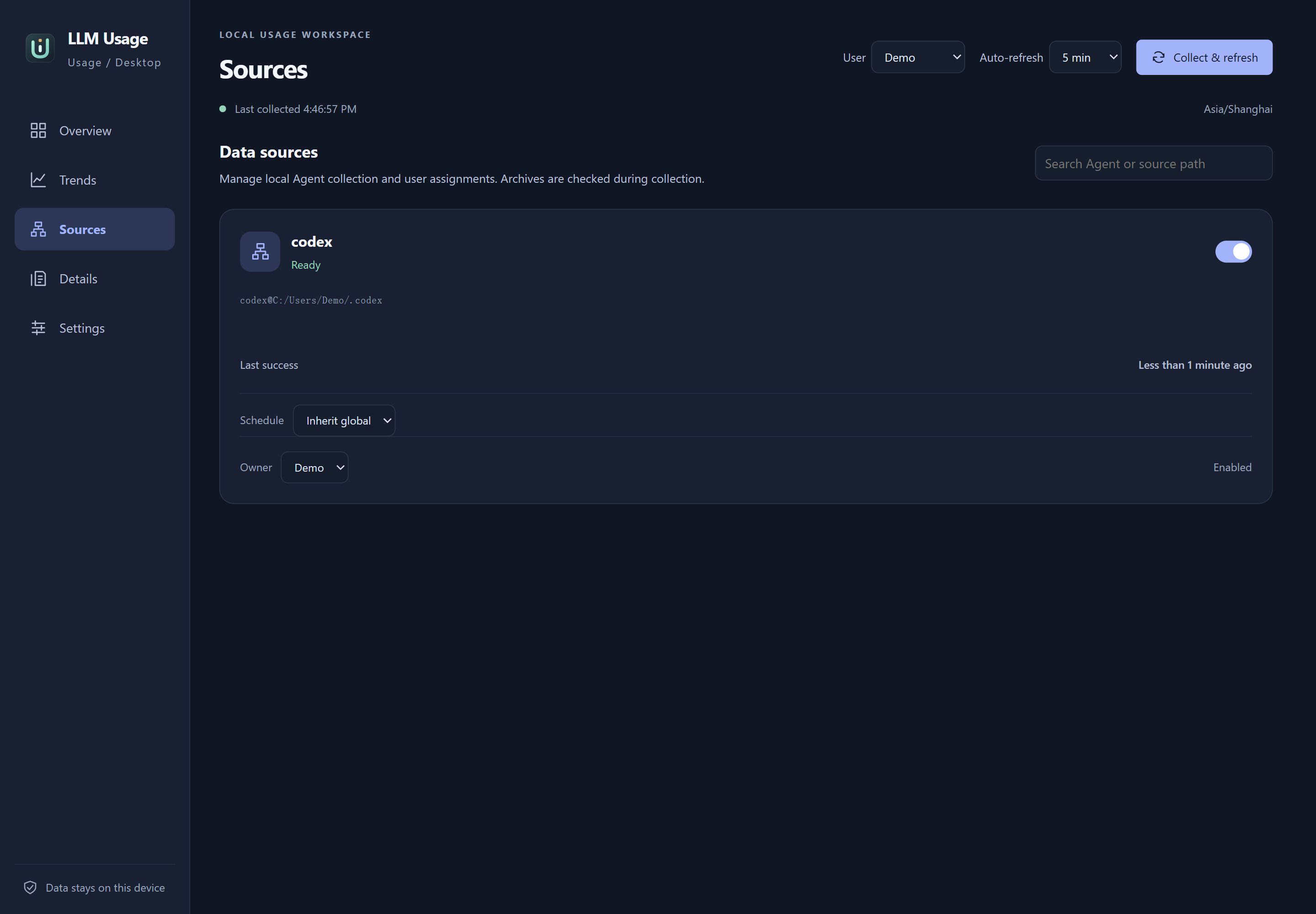
One isolated demo source. The Demo path replaces only the test directory shown in the UI.
Select the image to view it at full size.Choose English or Simplified Chinese, a light or dark theme, and the statistical timezone. Manual source directories can restrict collection to the files you select. See language and accessibility and collection settings.
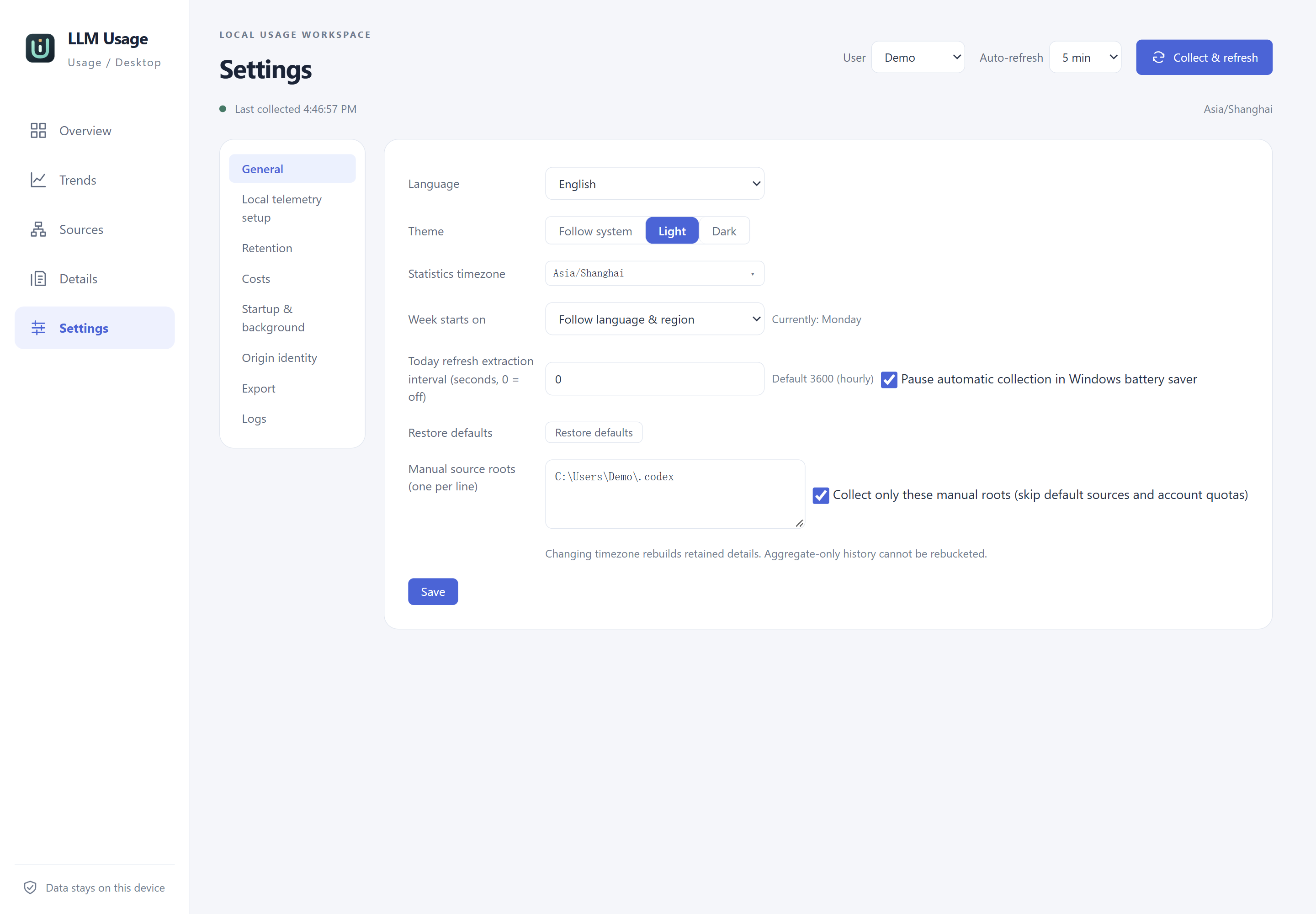
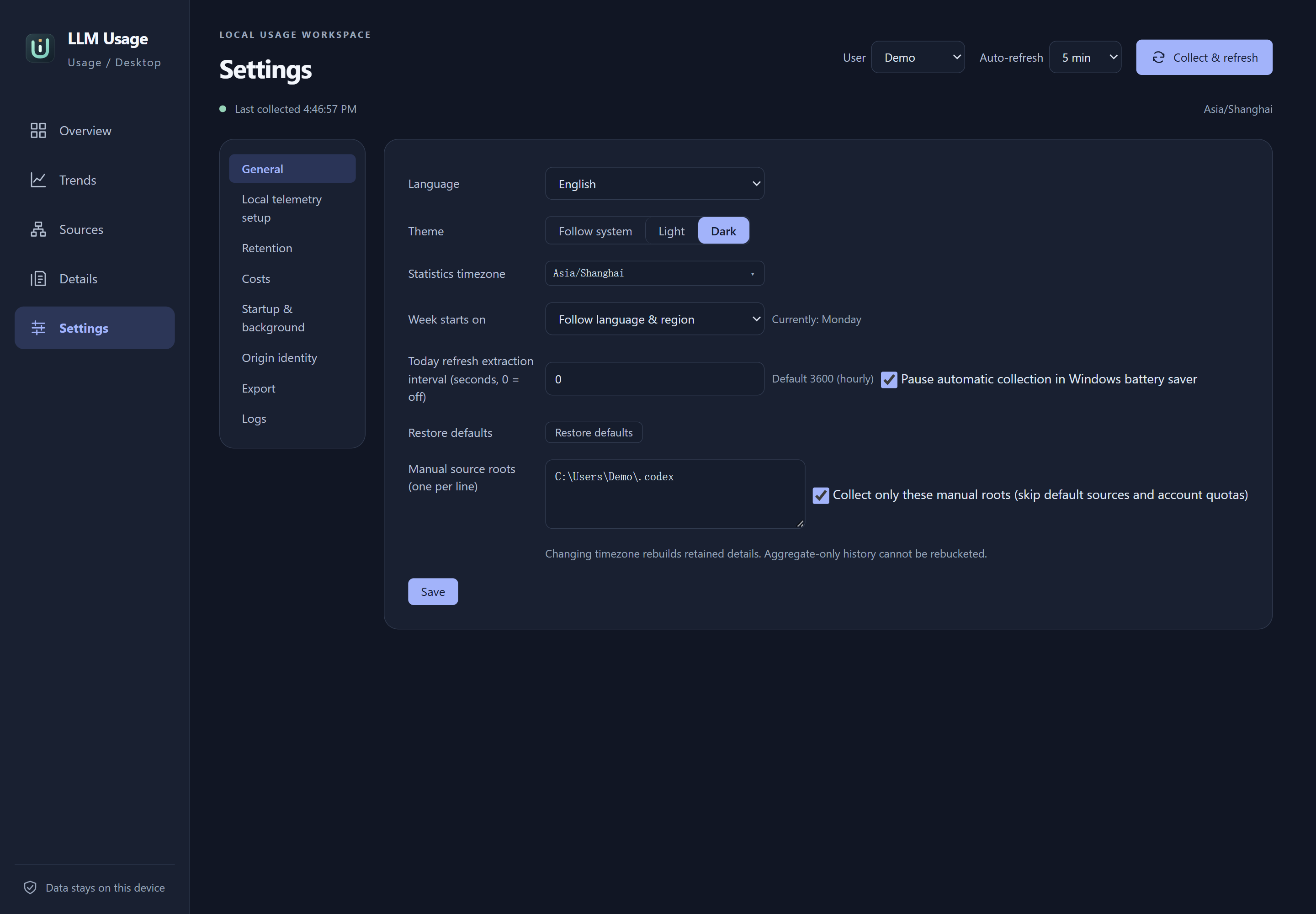
General settings for the isolated demo. Language and statistical timezone are separate settings.
Select the image to view it at full size.